Unknown person in the server room
ActiveWhen an unknown face is seen in the Server room, raise an emergency incident and text security.
- When
- Unknown face
- Where
- Server room
- Then
- Emergency incident
- Text security
QVision matches faces against the people your admins enrol, on the box on site. Turn it on zone by zone, put names on safety incidents, and get told when someone unknown walks into a restricted area.
Faces are compared on the edge box. The gallery never leaves your network.
Switch faces on only where you need them, and leave every other zone untouched.
Who was enrolled, who changed what, and when, all in the audit trail.
Admins add the people to recognise, with their photos, in QVision.
Choose the zones: the server room, the warehouse floor, the control room.
Known faces put a name on incidents. Unknown faces in a restricted zone alert security.
Know who walked into the server room or the records room.
A PPE violation that comes with the worker's name.
An alert when someone nobody enrolled walks into a restricted zone.
Who was on site outside working hours.
Examples written the way QVision writes them. Change any part to fit your site.
When an unknown face is seen in the Server room, raise an emergency incident and text security.
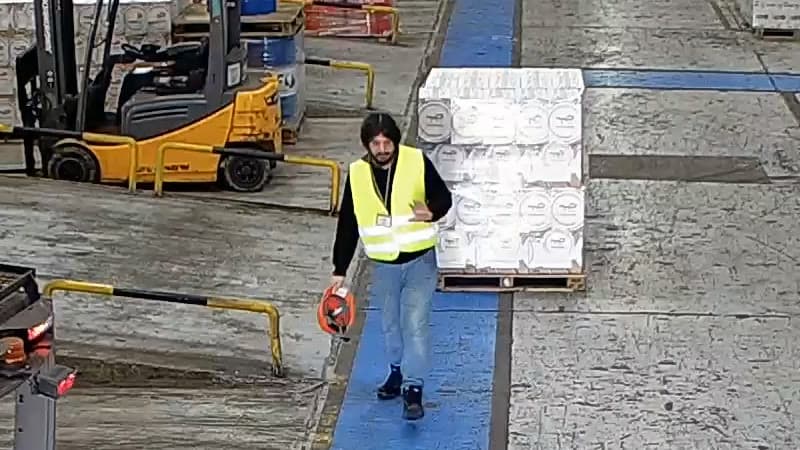
When someone recognised on Warehouse Floor has no helmet, open an incident with their name and email the HSE manager.
On your own network. Faces are matched on the edge box against the gallery your admins enrolled, and nothing goes to a cloud service.
Yes. Face recognition is switched on zone by zone, so it only runs where you've decided it should.
Only admins. Every enrolment, removal and setting change is recorded in the audit trail, with who did it and when.
Yes. When both run in a zone, a PPE violation comes with the name of the person who wasn't wearing the equipment.
A walkthrough on footage close to your sites, with answers for your operations, security and IT teams.